Lawn & Landscaping
Choose lawn size and difficulty; add trimming, leaf bags and custom charges.
SEE WHAT IS INCLUDED
YOUR BUSINESS, YOUR WAY
For small-business owners working on their own: quote a catering order, price a bakery delivery, invoice consulting hours or plan the next service job. Any Business lets you enter your own items, quantities and prices.
Work in a trade? These six optional calculators help you work out a starting price. Review every estimate against the actual job.
Choose lawn size and difficulty; add trimming, leaf bags and custom charges.
Enter wall length, height, doors, windows and coats; review paint, labor and supplies.
Enter square footage, your rate, surface, materials and minimum service charge.
Enter labor hours, your hourly rate, materials and a trip charge.
Enter square footage, your rate, bathrooms, deep-clean charges and supplies.
Choose vehicle size, package, condition and optional add-ons.
Restaurants can use quotes for catering, customer invoices and manual expenses. SmartQT is not a point-of-sale register, kitchen ordering or inventory system. The calculators use the details you enter; they do not measure a property or a wall from photos.
LESS PAPERWORK AFTER WORK
Reopen saved estimates and invoices, record payments you received, and see unpaid invoices. Keep the next job’s date and customer details together.
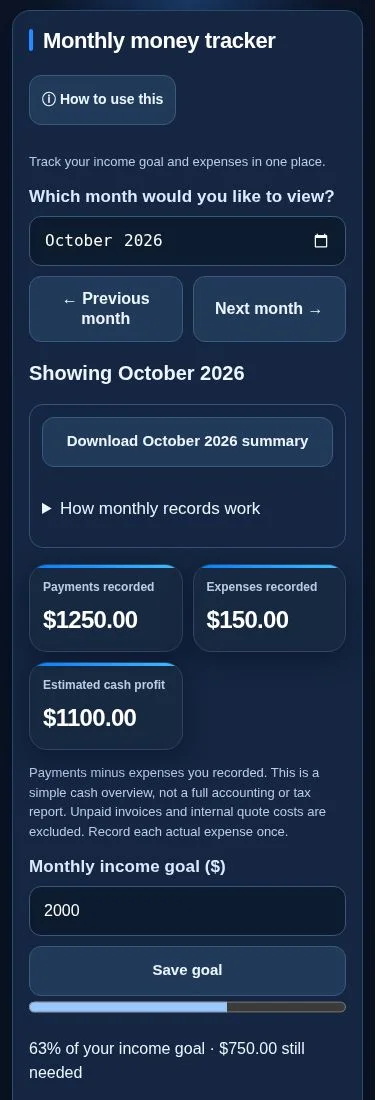
Choose a month, set an income goal and enter actual expenses. Review payments recorded, expenses recorded and estimated cash profit. Look back at past months and download CSV records for your accountant.
The totals reflect records you enter and update. They are not a bank balance or an accounting or tax report.
Send a clear quote with your logo, scope of work and price, so customers can see exactly what they’re agreeing to.
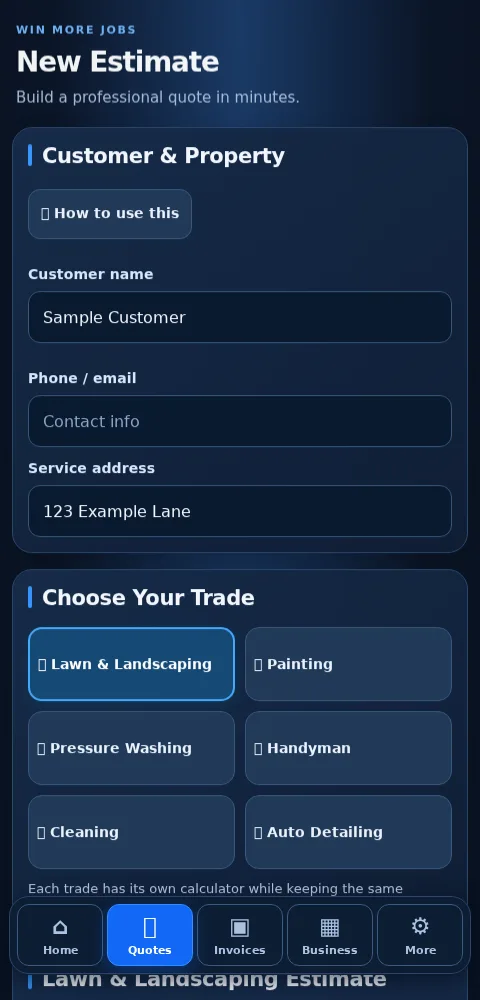
Build a quote using your own prices or an optional trade calculator. Review it, save it, then turn it into an invoice.
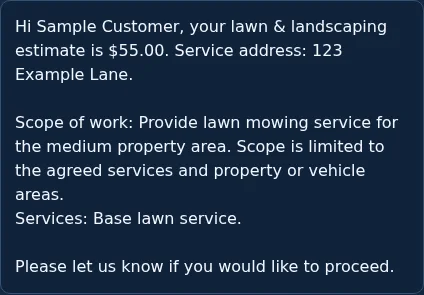
Plan jobs in a month calendar and choose a day to see its work. Share a private quote or invoice link. Customers can accept or decline a shared quote; you see responses under Business → Customer links. Links expire after 30 days and can be revoked. Each link shares one saved document, rather than a customer account with all records.
Leads, jobs and payment statuses are updated by you. No automatic customer messages, payment processing for your invoices, bank feeds or full accounting.
Start 7-day free trialCard required. Cancel yourself in Manage Billing before the trial ends to avoid the first charge.